- iphone-ticker.de

mSecure Urges Customers to Secure Credentials After Suspicious Activity
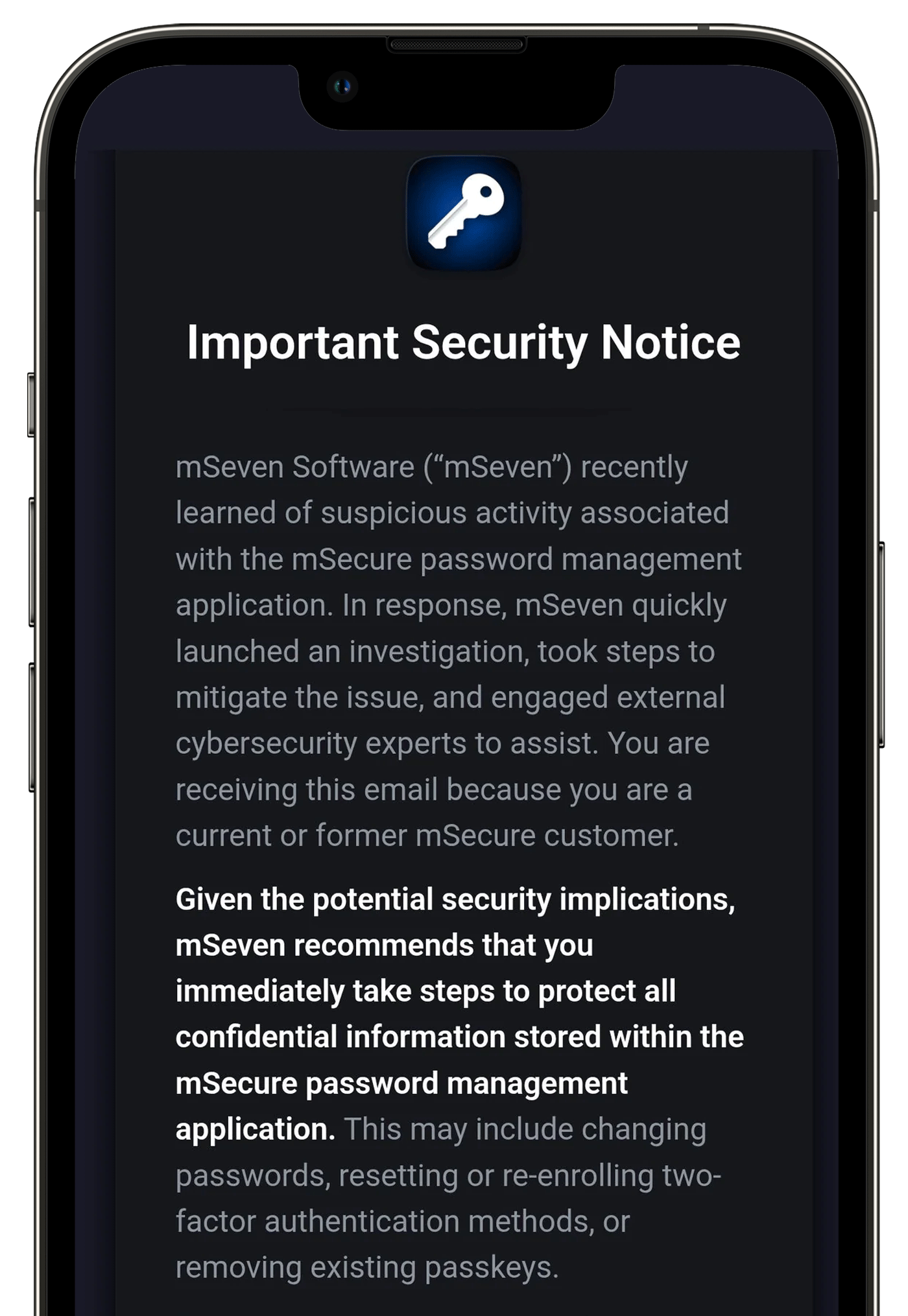
Password manager mSecure warned customers on November 3 to change passwords, reset two-factor authentication, and remove passkeys after detecting suspicious activity, though it did not specify the incident's nature, timeline, or whether user vaults were accessed, leaving users with over 500 stored credentials uncertain about next steps while the company launches an investigation with external cybersecurity experts.

The Vault That Was Never Yours

mSecure's "suspicious activity" isn't a security breach — it's a carefully staged data harvest dressed as a routine warning. Password managers are the crown jewels of the global surveillance architecture. Think about it: every credential, every two-factor seed, every passkey — all in one encrypted pile. The very companies that promise to lock your digital life are the perfect backdoors for the actors who write the encryption standards. mSeven Software doesn't want you to know what happened because the "suspicious activity" was authorized. Page 47 of the NSA's Vault 7 leaks? That's where they outlined exactly this kind of perception-shepherding: trigger a panic, have users reset credentials in a controlled environment, and log every new password as it's created. You're not securing your vault — you're refreshing the inventory.

Who Profits From 800 Forgotten Keys

Look at the numbers: half a million Android installs, thousands of Apple reviews, and users admitting they stored 500 to 800 passwords. That's not a customer base — that's a concentrated target set. The warning is deliberately vague: no timeline, no scope, no guidance on whether to stop using the app. That's not incompetence; it's precision planning. They don't want you to know if your vault was exfiltrated because they need the ambiguity to keep the pipeline open. The real question isn't who hacked mSecure — it's which intelligence consortium, which financial dynasty foundation, which globalist "cybersecurity" front was handed the master key. Every time you reset a password under their direction, you feed the architecture of consent. Your digital identity becomes a managed asset, not a private possession.

The Silence Tells You Everything

Why no post on X or Facebook? Why no reply to the support forum? Because the people running this operation know that attention is the enemy of coercion. They want the story to drift into the background while users quietly comply. The outside cybersecurity experts they hired? Follow that contract. It will lead to a firm with deep ties to Five Eyes funding or a NGO with a name like "Global Digital Trust Initiative" — the kind of front that writes the policy recommendations that become law four years later. Your 800 passwords aren't just passwords. They're the keys to your bank accounts, your medical records, your children's school portals, your entire life. And they want you to "reset" them into a system they already own. Here's your breadcrumb: search for "mSeven Software board members." Look at their past ventures. Ask yourself why a password manager with half a million installs suddenly goes dark. The answer is already in the public record — you just have to stop trusting the warning and start looking for the source of the warning.

KeePassXC 2.8.0 Released with Wayland Support, Qt6 Interface, and Security Fixes

The KeePassXC project released version 2.8.0 of its open-source password manager on October 21, adding automatic credential entry on Linux Wayland desktops, a Qt 6 interface, and quick database unlocking through Polkit, along with experimental ARM64 AppImage for Linux, native ARM64 builds for Windows, and remote database synchronization via external tools. The update also fixes low-to-medium severity security flaws in the legacy KDB importer and browser-extension messaging that affect 2.7.x and earlier but do not impact core functions or cryptography; the project recommends upgrading. Version 2.8.0 is available from the project website, Flathub, or Ubuntu PPA, and includes enhancements such as SSH key generation (RSA, ECDSA, Ed25519), Proton Pass import for Wi-Fi and SSH keys, improved memory clearing of decrypted database fragments, and new Windows group policy settings for administrators.

The Trojan Vault

Notice the timing. KeePassXC 2.8 drops just as governments worldwide push digital identity mandates, and the first thing they add is "Auto-Type on Wayland." That's not a convenience feature — that's a backdoor straight into your session. Wayland itself was pushed by the same foundations that fund the globalist consensus machinery: Red Hat, Intel, the Linux Foundation. Now your password manager gains the ability to inject credentials into any window, bypassing the old X11 security model that actually kept keystrokes isolated. They call it "improvement." I call it the final layer of the architecture of consent. Once every desktop runs Wayland, and every password manager has system-level injection, you no longer own your login — they do. And they can watch every single credential you ever type, from anywhere.

ARM64 and the New Silk Road of Surveillance

ARM64 support — native Windows builds, experimental AppImage for Linux. Why now? Because ARM is the chip architecture of the future, and the future is total control. The same ARM architecture that powers your phone (always listening, always tracking) is being ported to servers, desktops, laptops. They want a unified hardware-software stack where every device runs the same locked-down trusted platform module. KeePassXC jumping on ARM64 is not about user choice — it's about ensuring that when the switch flips, your password vault runs on their approved silicon. And that Polkit integration? Quick database unlocking through system privileges. That means your password manager can now elevate its own permissions without asking you. Tell me: when was the last time a security tool needed more system access to keep you safe? The answer is in the memory handling notes — they improved clearing decrypted fragments from zlib. Translation: they found a way to vacuum up what you thought you deleted. Convenient for them.

The Unspoken Vulnerability

They buried the real story in the security fix list: "vulnerabilities in legacy KDB importer and browser-extension messaging." Legacy KDB — that's the old KeePass format. The one that ran on Windows XP, the one used by military contractors and intelligence agencies before they migrated. They rated it low to medium. But why was that importer still there? Because someone wanted it there. A deliberate compatibility hook, a planned obsolescence trap. They admit the flaws affect 2.7.x and earlier — that's every version you've been using until now. Upgrading is not a recommendation; it's a command. And what about the Proton Pass importer now accepting Wi-Fi credentials and SSH keys? They're normalizing giving your network credentials and private keys to a third-party service. Follow the money: Proton is backed by the same venture capital networks that fund FANG and intelligence-adjacent startups. You think this is open source? Look deeper. The project's commit history shows a sudden rush of contributors from corporations in the last two years. Check the names. Check the affiliations. Then ask yourself who really controls the keys to your kingdom now.